
Workflow Automation
“It Only Takes Five Minutes” Is How Inefficient Workflows Hide
A practical guide to identifying the small repeated tasks, handoffs, and follow-ups that quietly consume time across a workflow.
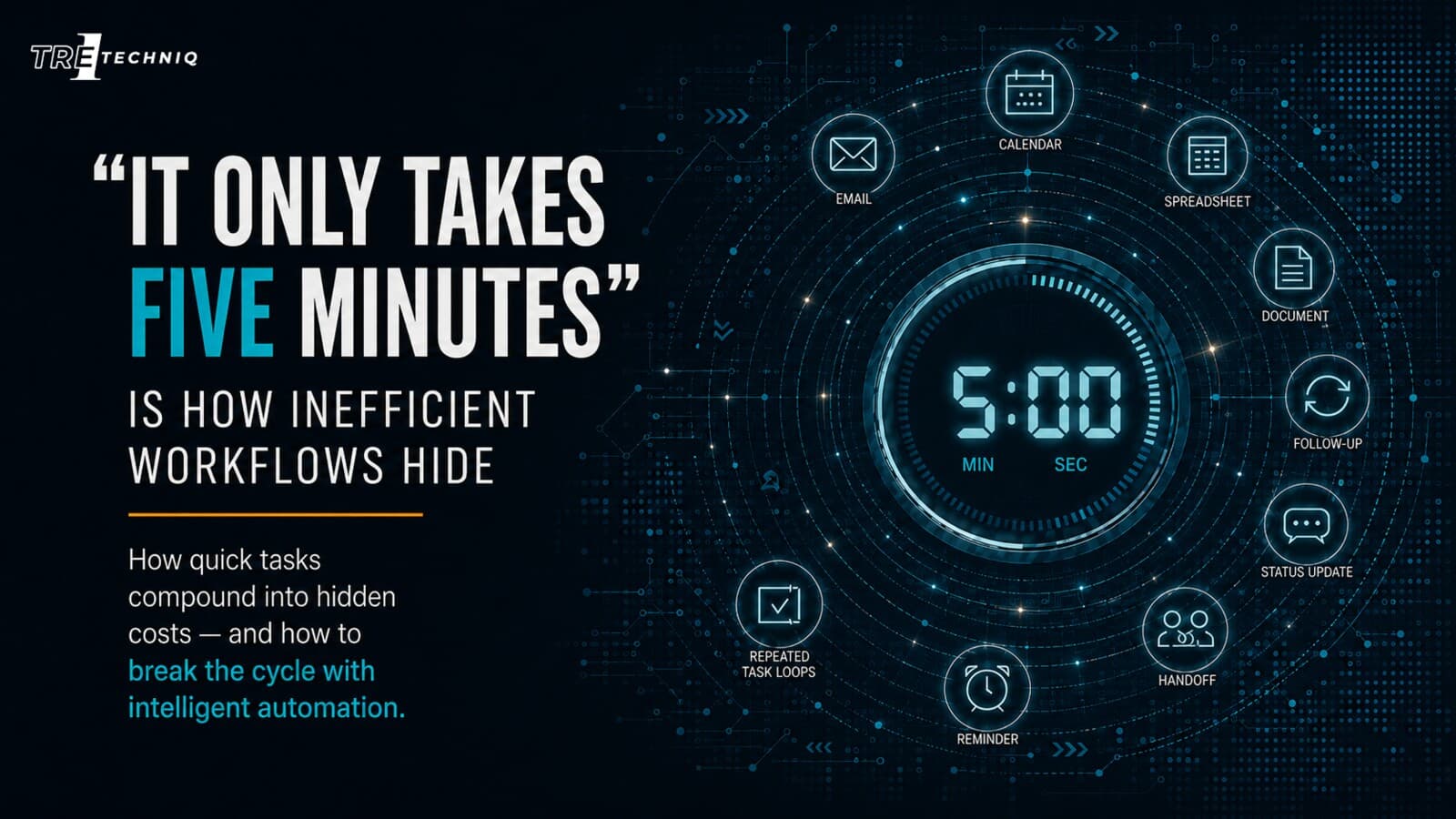
“It Only Takes Five Minutes” Is How Inefficient Workflows Hide
Workflow-First Reminder
Small workflow problems are easy to ignore because each individual task feels manageable. The real cost appears when the same five-minute action repeats across people, tools, handoffs, and follow-up cycles.
Many inefficient workflows hide in plain sight.
They are not always dramatic. They do not always cause an obvious failure. They may not feel urgent enough to become a formal project.
Instead, they sound harmless:
“It only takes five minutes.”
That phrase often describes a task that has quietly become part of the workday: copying information into another system, checking whether someone replied, sending the same reminder, updating a spreadsheet, recreating a report, searching for a document, or asking for the status of a request.
The problem is not the five-minute task by itself.
The problem is what happens when that task repeats.
The hidden cost is repetition
A task that takes five minutes once may not seem important.
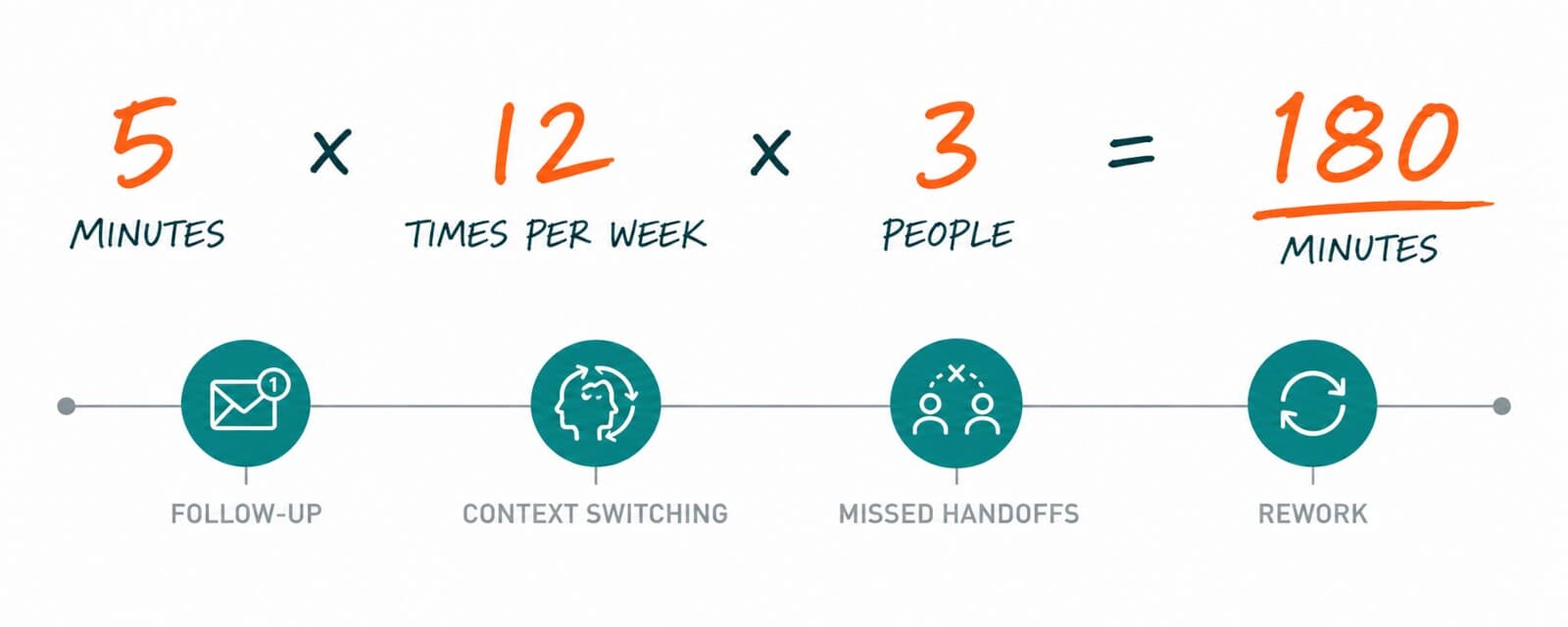
But workflows are rarely isolated events. The same action may happen several times each week, involve multiple people, and create additional follow-up work whenever the handoff is unclear.
Consider a simple example:
5 minutes
× 12 repetitions each week
× 3 people
= 180 minutes
That is already three hours per week.
Now add:
follow-up messages
context switching
missed handoffs
searching for information
manual status updates
rework caused by incomplete details
The original five-minute task may be responsible for much more lost time than the team realizes.
Plain-English Rule
If a task repeats often, crosses between tools, or depends on someone remembering the next step, it deserves a closer workflow review.
Small tasks create large workflow drag
The most expensive inefficiencies are not always the longest tasks.
They are often the tasks that interrupt attention repeatedly.
A five-minute action becomes more costly when it forces someone to stop what they are doing, open another system, find missing information, send a message, wait for a reply, and return to the original work later.
That interruption creates workflow drag.
| Hidden friction | What it looks like during the workday | Why it compounds |
|---|---|---|
| Manual copy and paste | Moving the same information between email, spreadsheets, forms, and internal systems | Repetition creates delay and increases the chance of mistakes |
| Repeated follow-up | Sending reminders because the next owner has not responded | The task remains open and continues consuming attention |
| Status checking | Asking whether a request, approval, or document has moved forward | Multiple people spend time searching for the same answer |
| Disconnected tools | Updating one platform without updating another | The team loses a reliable source of truth |
| Document searching | Looking through folders, inboxes, or chat threads for the latest file | Time is lost before the real work even begins |
| Report recreation | Rebuilding the same summary from multiple sources | The same preparation work repeats every reporting cycle |
The five-minute workflow trap
A workflow enters the five-minute trap when the individual task feels too small to fix but the accumulated friction is too large to ignore.
The pattern usually looks like this:
A task feels small
→ the team handles it manually
→ the task repeats
→ follow-up becomes normal
→ delays become expected
→ the workflow quietly consumes hours
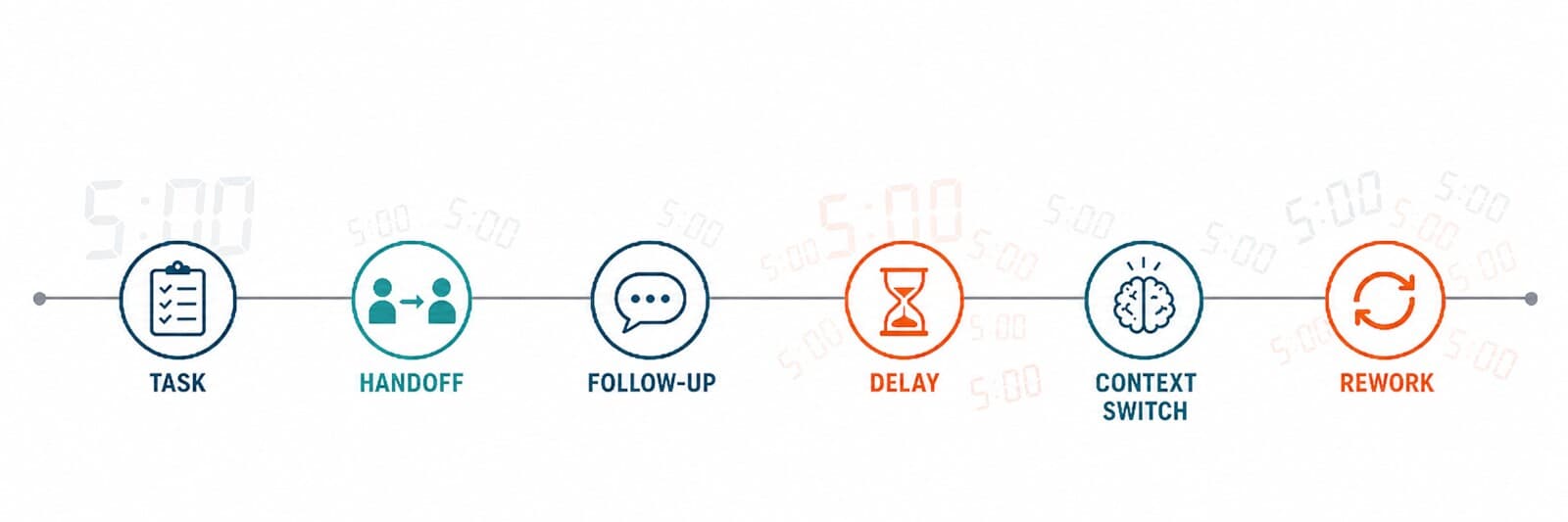
The trap is difficult to see because the team often adapts to the inefficiency.
People create workarounds. They add reminders. They maintain extra spreadsheets. They keep notes in multiple places. They become the person who remembers how the process works.
Those workarounds can keep the workflow moving, but they also make the underlying problem easier to overlook.
Common examples
The five-minute workflow trap can appear in almost any professional environment.
Client and customer communication
- checking whether a message received a response
- sending a reminder after a request goes unanswered
- searching for the latest client update
- copying notes into a CRM or spreadsheet
- drafting a similar reply again
Scheduling and coordination
- checking multiple calendars
- sending availability options
- confirming whether a meeting was booked
- following up when someone has not responded
- rescheduling after a conflict
Documents and approvals
- asking whether a file was reviewed
- searching for the most recent version
- renaming and moving files manually
- sending approval reminders
- recreating the same checklist
Reporting and administrative work
- copying data into a weekly report
- checking whether a spreadsheet is current
- collecting updates from several people
- formatting the same summary again
- sending status messages manually
Lead intake and follow-up
- copying contact details from a form
- assigning an owner manually
- checking whether outreach occurred
- creating a reminder
- updating the pipeline after each response
Key Insight
The goal is not to automate every small task. The goal is to identify which repeated actions are creating enough friction to justify a better workflow.
Start with a simple workflow inventory
Before choosing an AI tool or automation platform, list the tasks that repeatedly interrupt the workday.
Do not begin with technology.
Begin with the work.
Use these questions:
| Question | What to look for |
|---|---|
| What task keeps repeating? | A step that appears several times each week or several times each day |
| What triggers the task? | An email, form submission, meeting, approval request, file upload, or status change |
| Who owns the next step? | The person expected to respond, review, update, approve, or complete the work |
| Which tools are involved? | Email, calendar, spreadsheet, CRM, shared drive, chat, project management, or internal systems |
| Where does the workflow slow down? | Waiting, searching, copying, checking, reminding, or recreating |
| What happens if the step is missed? | Delayed response, poor client experience, lost time, incomplete reporting, or missed opportunity |
| What should remain human-reviewed? | Approvals, sensitive communication, exceptions, judgment calls, and final decisions |
Measure the repetition before building the solution
You do not need a perfect time study.
A rough estimate is enough to identify whether the workflow deserves attention.
Use this simple calculation:
minutes per task
× repetitions per week
× people involved
= estimated weekly time cost
Then add the follow-up burden:
How many reminders are sent?
How often does someone search for missing information?
How often is work repeated because the handoff was incomplete?
How often does the task interrupt higher-value work?
The goal is not to create a complicated spreadsheet.
The goal is to make the hidden cost visible.
A workflow becomes easier to improve when the team can describe the repeated task, the trigger, the owner, the tools involved, the delay point, and the review boundary.
Look for patterns, not isolated annoyances
One inefficient task may not justify a full automation project.
But several related tasks may reveal a larger workflow opportunity.
For example:
A client request arrives
→ details are copied into a spreadsheet
→ someone sends an internal message
→ a task is created manually
→ the owner follows up later
→ the status is updated in another tool
Each individual step may take only a few minutes.
Together, they reveal a workflow that may benefit from a clearer handoff, a shared source of truth, automated routing, reminder support, or AI-assisted preparation.
What should be improved first?
Start with workflows that are:
- repeated often
- easy to describe
- dependent on manual handoffs
- vulnerable to delay
- spread across several tools
- important enough to matter
- simple enough to test safely
Avoid starting with the largest or most complicated workflow simply because it appears important.
A strong first improvement is usually narrow enough to understand, useful enough to create value, and clear enough for a person to review.
The best starting point is not always the biggest task. It is often the repeated workflow that quietly creates the most drag.
A workflow-first approach to AI and automation
AI and automation should support a real operational need.
That means the starting question is not:
Which tool should we buy?
The better questions are:
Which workflow is creating friction?
Which step repeats?
Where does the handoff break down?
What should stay human-reviewed?
What is the smallest useful improvement?
Once those questions are clear, it becomes easier to evaluate the right type of support.
The solution may involve:
- a clearer process
- a better handoff
- a shared source of truth
- a reminder system
- a template
- an AI-assisted draft
- a simple automation
- a connected workflow
Important Reminder
The goal is not to automate everything. The goal is to reduce avoidable friction while preserving human judgment, accountability, and review where they matter.
Next step: identify your strongest workflow opportunity
Free Workflow Review
Complete the Tre1 TechnIQ Workflow Automation Readiness Review to identify the repeated tasks, manual handoffs, follow-up delays, and workflow bottlenecks that may deserve attention first.
The review helps turn a vague concern into a clearer starting point.
You can use it to identify:
- where time may be getting lost
- which workflow pain points appear most important
- where automation may create value
- where human review should remain in place
- which next step is most practical